Corporate LinkedIn Headshot Photographer
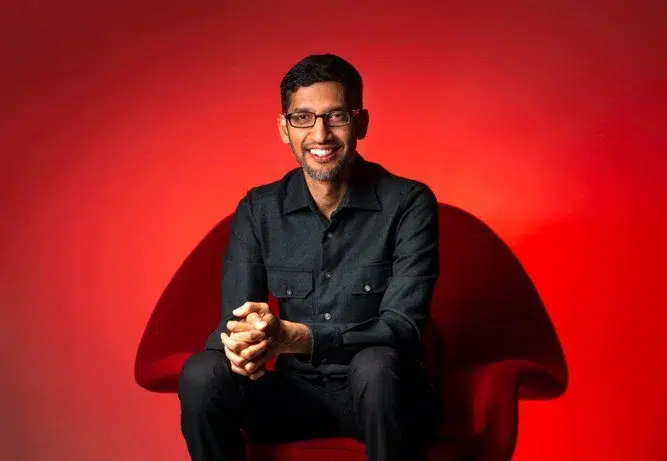
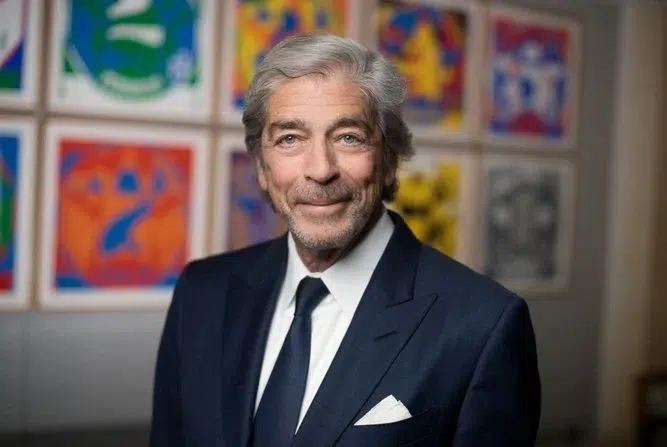
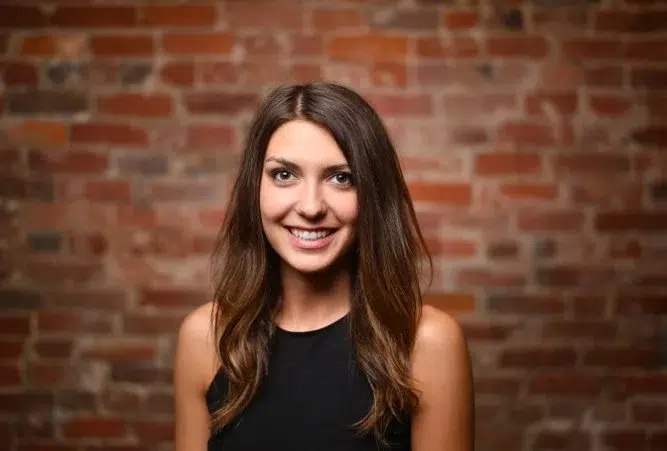
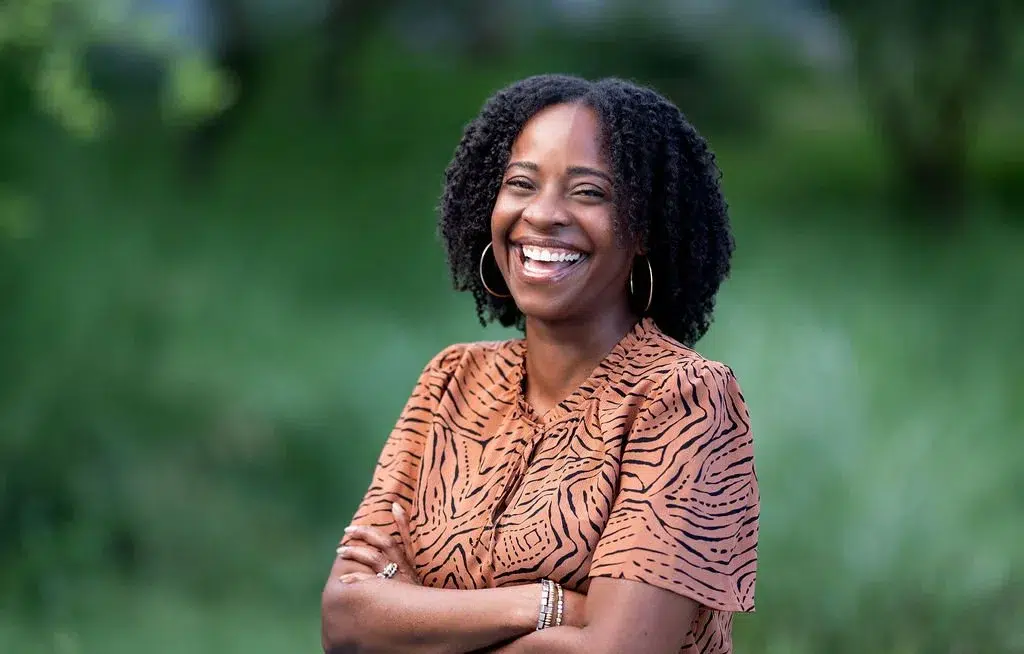
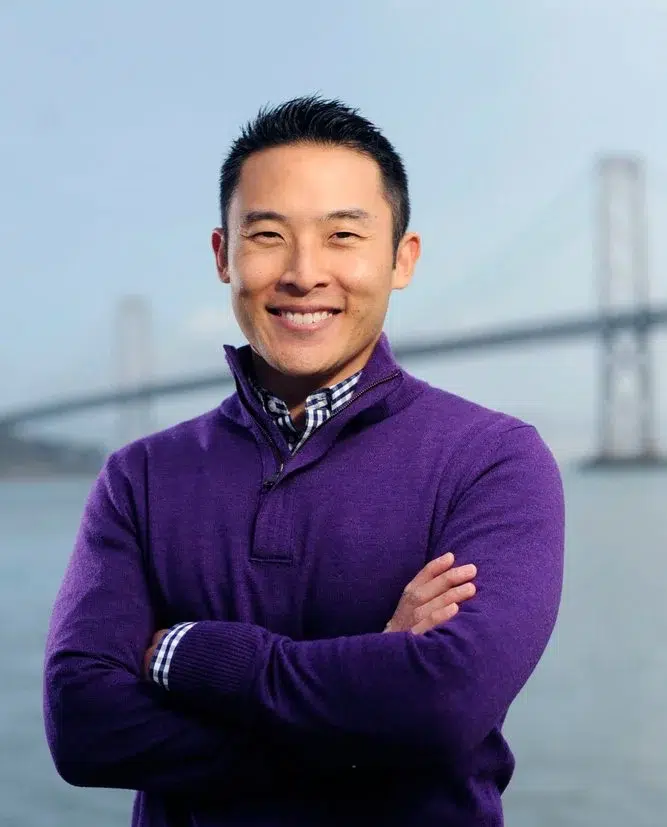
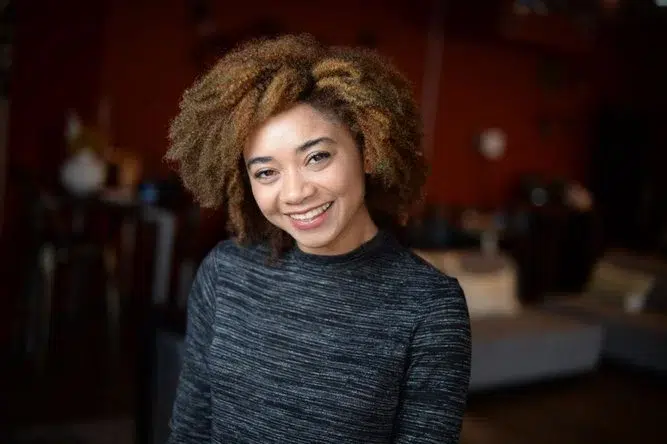
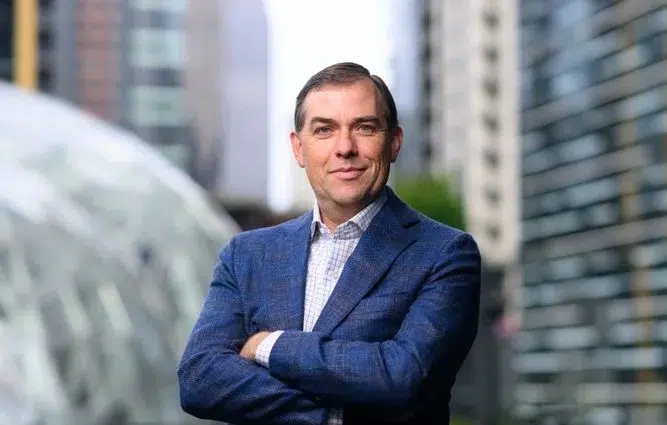
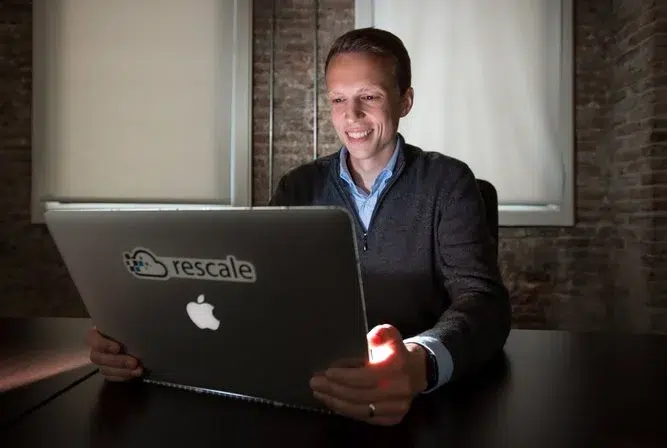

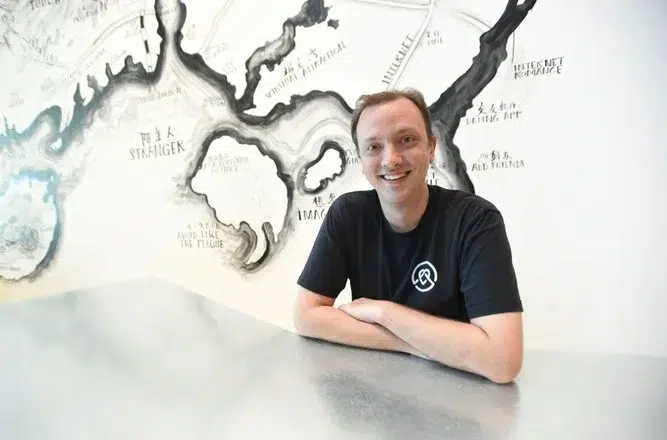
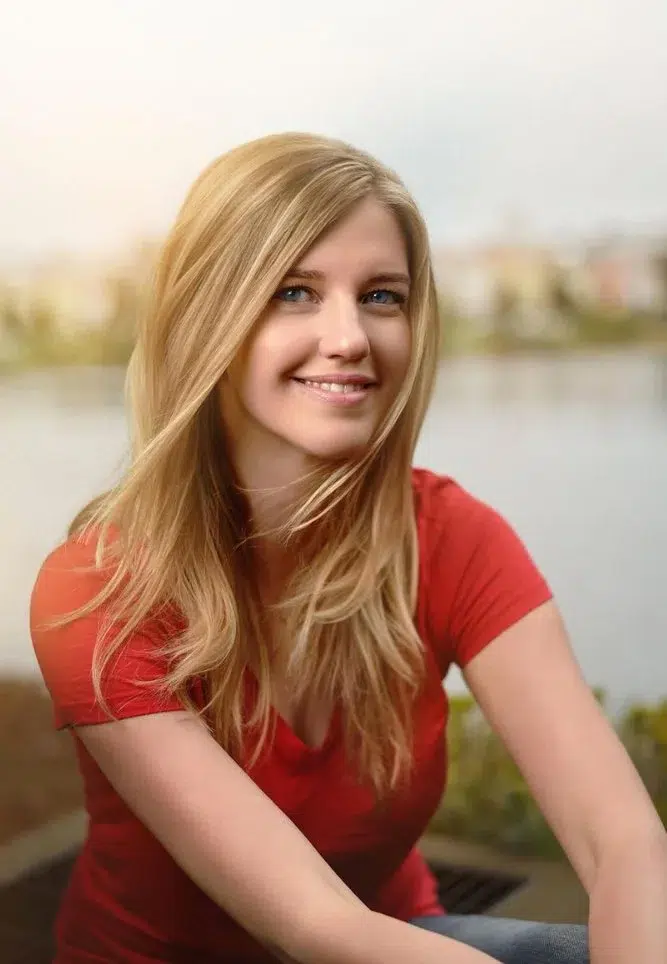
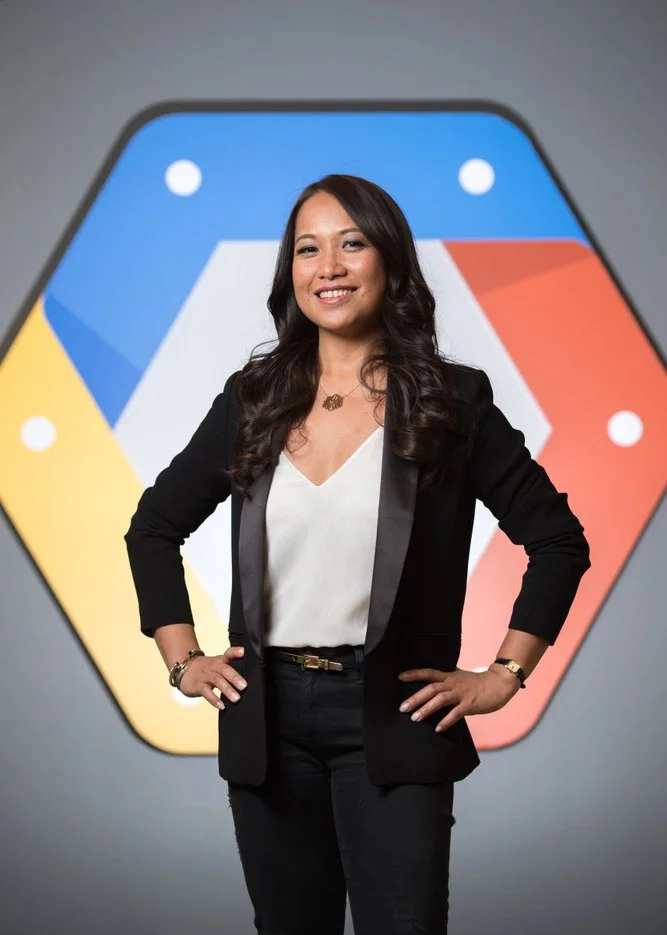

Your team’s LinkedIn photos are the first thing a client, a candidate, or a partner sees before they read a word about your company. Josh Edelson is a corporate photographer who runs on-site LinkedIn headshot days for tech, finance, legal, and professional services teams across San Francisco and the Bay Area. He brings a full portable studio to your office, photographs the whole floor in one day, and delivers retouched files built to hold up at the small sizes LinkedIn actually displays.
Why a LinkedIn Headshot Is Its Own Kind of Photo
LinkedIn shows these photos small. Each one renders around 100×100 pixels in a feed and roughly 200×200 to 400×400 on a profile page, smaller still in search results, comment threads, and the People tab on your company page. At that size, the fine detail that carries a large website portrait gets lost, and a few things start to do all the work: tight framing on the face, even light with no harsh shadows, a clean uncluttered background, and a genuine expression that reads at a glance. A portrait that looks fine blown up on a monitor can fall apart in a 100 pixel circle. Josh shoots for the size the platform actually uses and checks the crop on site, so every face on your team is sharp, lit in the eyes, and approachable in the version people really see.
For a team, that consistency compounds. When everyone is lit the same way against the same background, your company page and your people’s profiles look like they belong to one organization instead of a mix of phone photos and old crops. That visual coherence is a small signal that reads as professional every time someone lands on a profile.
What to Wear
Solid, mid-tone colors photograph best. Navy, charcoal, deep green, and muted blue sit cleanly against a neutral background and keep attention on the face. Avoid tight patterns, thin stripes, and bright logos, which can buzz or distract at small sizes. A structured layer helps, a blazer or a jacket with some shape adds definition and reads as put-together even in a tight crop. Josh sends a short wardrobe note ahead of the day that you can forward to the whole team, which keeps everyone in the same register without looking like a uniform. Full guidance is on the what to wear for a headshot page.
How On-Site Team Photo Days Work
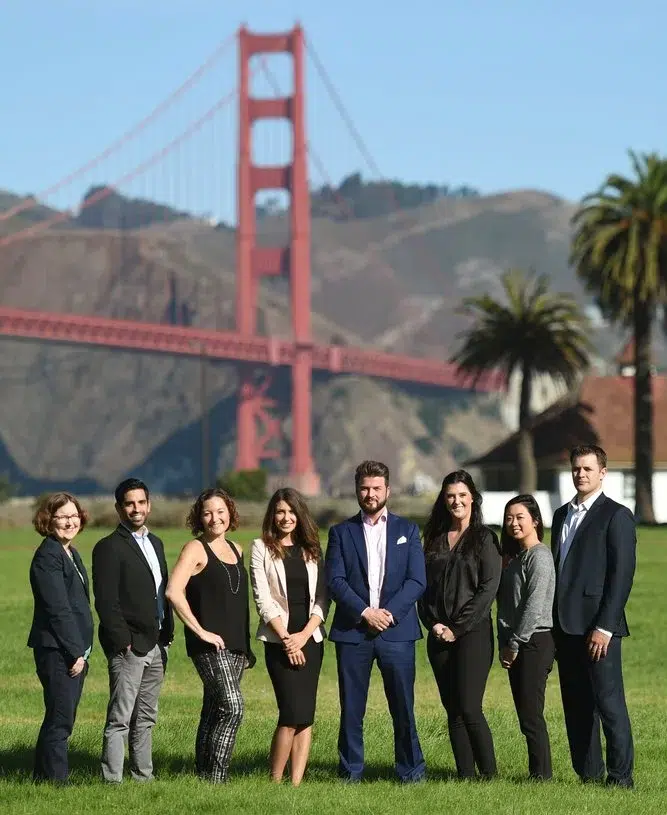
Josh comes to your San Francisco or Bay Area office with a complete portable studio, lighting, backdrop, and an assistant, and photographs everyone in a single day. A group of 100-plus can be shot in one day, with each person away from their desk only 10 to 15 minutes. Inside that window there is still room to settle in, work through a few expressions and angles, and come away with real options, so nobody feels rushed and the schedule still holds.
Booking the whole team at once is how you get matching light, matching background, and a directory that looks like it was made on purpose. See company headshots in San Francisco for how team days are structured, or headshots for the full range of session types.
How a Team Day Runs
Josh sets up a compact studio in a conference room or an open corner, usually about 30 minutes before the first person. People come through on a light schedule so nobody waits and the workday keeps moving. Each subject gets 5 to 7 unedited selects to review, picks a favorite, and Josh retouches and delivers the final. Everything lands in a private online gallery, so employees choose their own image and your team lead can download the full set in one place. Standard turnaround is 3 to 5 business days.
Why Editorial Polish Reads as Credible
This is the part a studio backdrop cannot fake. Josh has photographed Google CEO Sundar Pichai, AWS CEO Matt Garman, Apple CEO Tim Cook, and Elon Musk on assignment, with 15-plus years behind the camera and editorial assignments for Agence France-Presse distributed on the Getty wire. His work has run in the New York Times, TIME, the Wall Street Journal, the Washington Post, and USA Today, and he has won First Prize at the Istanbul Photo Awards and the AFP Varenne / Canon Grand Prix. That background changes the photo itself. He directs people who are not comfortable in front of a camera, finds the expression that looks like you on a good day, and lights it so it holds up next to anyone else in your industry. Corporate clients include Google, Amazon, Salesforce, Meta, and many Fortune 500 companies.
Pricing and Turnaround
Team LinkedIn headshot days for 5-plus people at one location start from $2,000 for a half day and from $3,500 for a full day. Large full-firm days generally run $3,500 to $4,000, and very large or multi-office rollouts are quoted per project. Selects arrive in 3 to 5 business days through a private online gallery, with same-day and rush available for press and events. To scope your team’s day, contact Josh with a headcount and a location, or use the headshot day planner to estimate time, crew, and cost.
Frequently Asked Questions
How should a LinkedIn headshot be framed?
Tight on the face. LinkedIn displays photos around 100×100 pixels in a feed and 200×200 to 400×400 on a profile, so a wide or full-body crop disappears at that size. Josh frames close, lights evenly, and keeps the background clean so your face and expression read clearly even in a small circle.
What should our team wear for LinkedIn headshots?
Solid, mid-tone colors like navy, charcoal, or muted blue, plus a structured layer such as a blazer. Avoid tight patterns, thin stripes, and prominent logos, which distract at small sizes. Josh sends a short wardrobe note before the day that you can forward to everyone, so the whole set looks consistent without looking like a uniform. The what to wear for a headshot guide covers it in detail.
How long is each person away from their desk on a team day?
About 10 to 15 minutes. Josh runs a light schedule so people cycle through quickly, and a team of 100-plus can be photographed in a single day without disrupting the workday.
How fast does the company get the gallery?
Standard turnaround is 3 to 5 business days. Each employee gets 5 to 7 unedited selects in a private online gallery, picks a favorite, and Josh retouches and delivers the final. Your team lead can download the full approved set from the same gallery. Same-day and rush are available for press and events.
How much does a LinkedIn headshot day cost?
Team days for 5-plus people start from $2,000 for a half day and from $3,500 for a full day. Large full-firm days generally run $3,500 to $4,000, and multi-office rollouts are quoted per project. Smaller executive and leadership groups are quoted the same way. Contact Josh with a headcount and a location and he will scope the day.
Planning a headshot day? Try my free headshot day planner to estimate the time, crew, and cost for your team, or see all my planning tools.
Professional LinkedIn Profile Photos
A strong LinkedIn profile photo is the first impression you make before anyone reads a word, and a professionally shot one signals competence and approachability instantly. Josh creates clean, modern LinkedIn headshots and profile photos for executives, founders, job-seekers, and whole teams across San Francisco, framed for how the image actually renders in the LinkedIn circle crop. Sessions are quick and relaxed, with delivery in 3 to 5 business days.